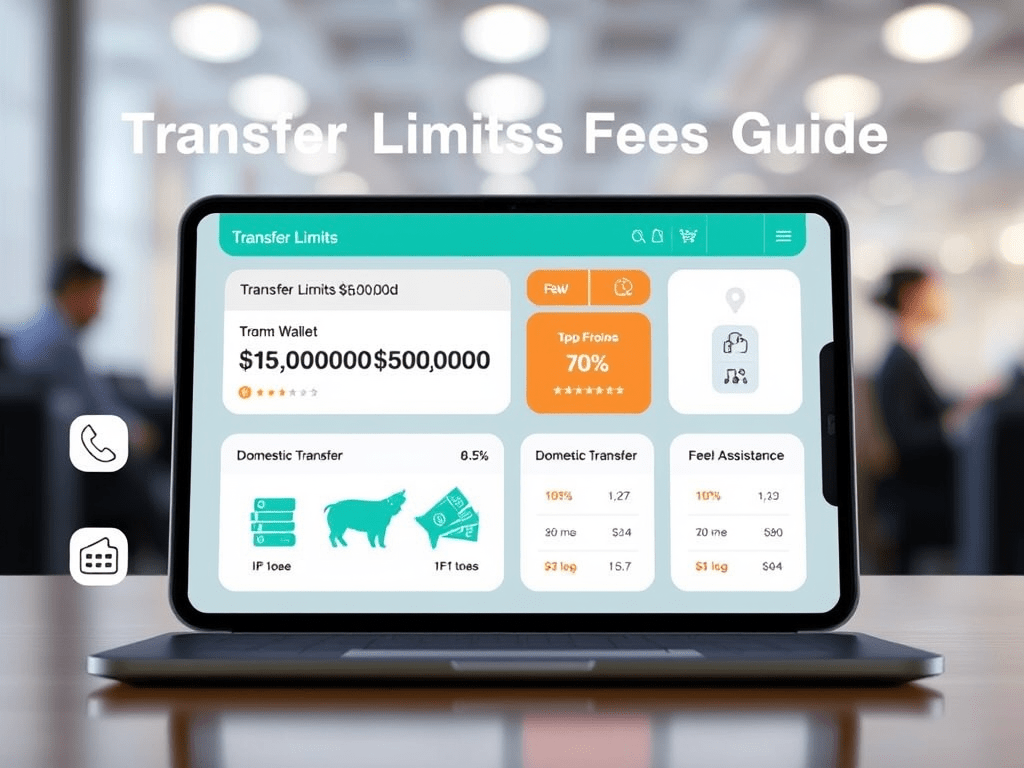
DogPay Transfer Limits Overview
- Online Transfers: Users can send up to $50,000 per transaction online to individuals or businesses, mirroring typical bank-style limits.
- Phone or Assisted Transfers: If you need to exceed the online limit, contacting customer support via phone enables unlimited transfers, depending on compliance and risk management.
- Transfers Between Linked Accounts: Once linked and maintained for 30 days, accounts can transfer funds with no limit, often with lower fees—ideal for recurring business partners or internal transfers.
International Transfer Limits
- For cross-border transfers, DogPay offers a no-limit option, typically requiring an official channel (e.g., designated app function or compliance step). However, such transfers may involve higher fees and adherence to regulatory protocols, similar to bank-branch international wires.
Fee Structure
- Domestic Online Transfers: Flat $30 per transfer, consistent across transfer modes; phone-assisted transfers carry the same fee but with higher limit.
- International Transfers: Usually $40 per transaction, plus possible intermediary charges and exchange rate markups.
- Important Note: Always compare the applied exchange rate to the current mid-market rate to minimize hidden costs in international transfers.
Usage Recommendations
- For transfers up to $50,000, use the online method for simplicity.
- To exceed $50,000, opt for a phone-assisted transfer or linking accounts and waiting 30 days to unlock unlimited transfers.
- For cross-border transfers, plan ahead—confirm fees, exchange rates, and possible third-party charges to optimize cost-efficiency.