How to Close Your Commerzbank Account Remotely
- Online closure is possible: If your account is in good standing and eligible, you can close it via the online banking portal—no need to be in Germany.
- Steps to close online:
- Log into your Commerzbank online banking;
- Navigate to “Accounts & Cards” → “Administration” → “Close Account”;
- Select the account and submit the closure request. Note: Not all account types support digital closure—availability is account-dependent.
- Closure via mail: If online closure isn’t available, download the account closure form, complete it, sign it, and mail it to the bank’s Frankfurt address—specifying what to do with any remaining funds.
- Real-world frustrations: Some users report that the online option was removed and customer support is unhelpful, forcing them to use paper forms or in-person visits—which can be tedious and slow.
Key Considerations Before Closing
| Item | Notes |
|---|---|
| Account balance/open liabilities | Ensure the account is fully empty and has no outstanding auto-debits. |
| Interface language | Some users accessed closure options by using the German UI and Google Translate. |
| Processing time | Postal closures can take months; in-person visits may still be required. |
DogPay: A Streamlined Global Alternative
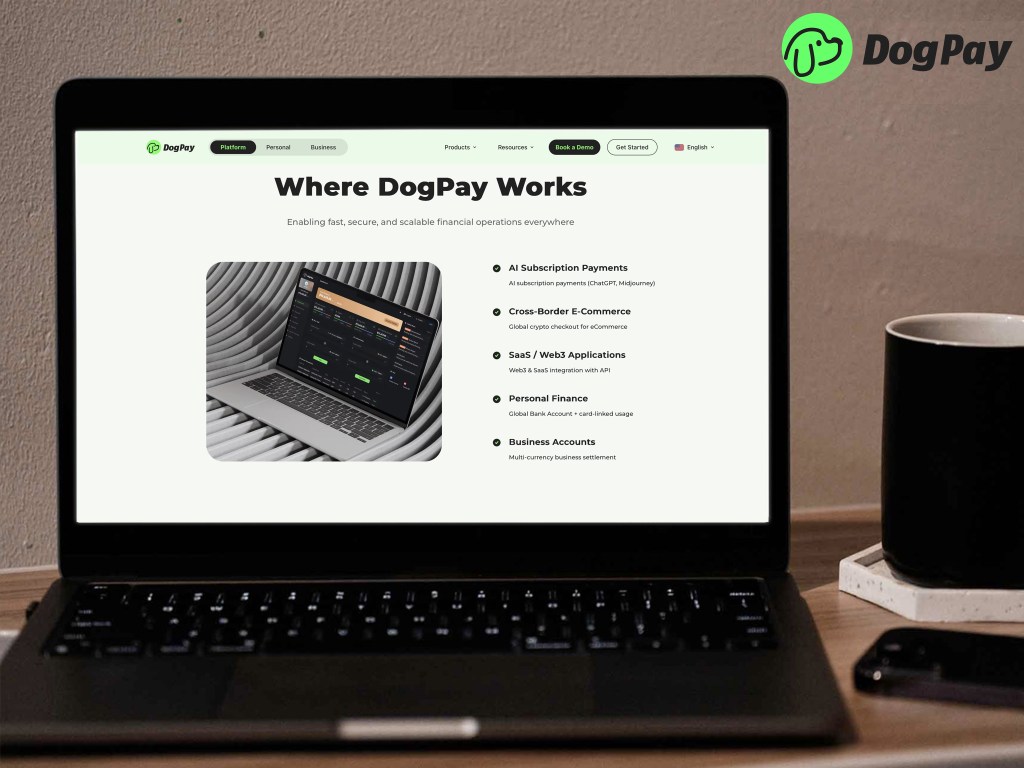
If you need a solution for multi-currency payments and access after closing your account, consider DogPay:
- No local account needed, supports fiat & crypto currency holding and conversion;
- Virtual cards compatible with Apple Pay, Google Pay, and international merchants;
- Global reach (180+ countries), good for nomads, expats, freelancers;
- Minimal to zero fees, transparent mid-market exchange rates;
- Easy online registration, no language or postal hassles.